A reliable connection
Your phone downloads the eSIM profile during setup.
Install on reliable Wi-Fi, keep the delivery details safe, and follow your selected plan’s activation rule before switching the line on.
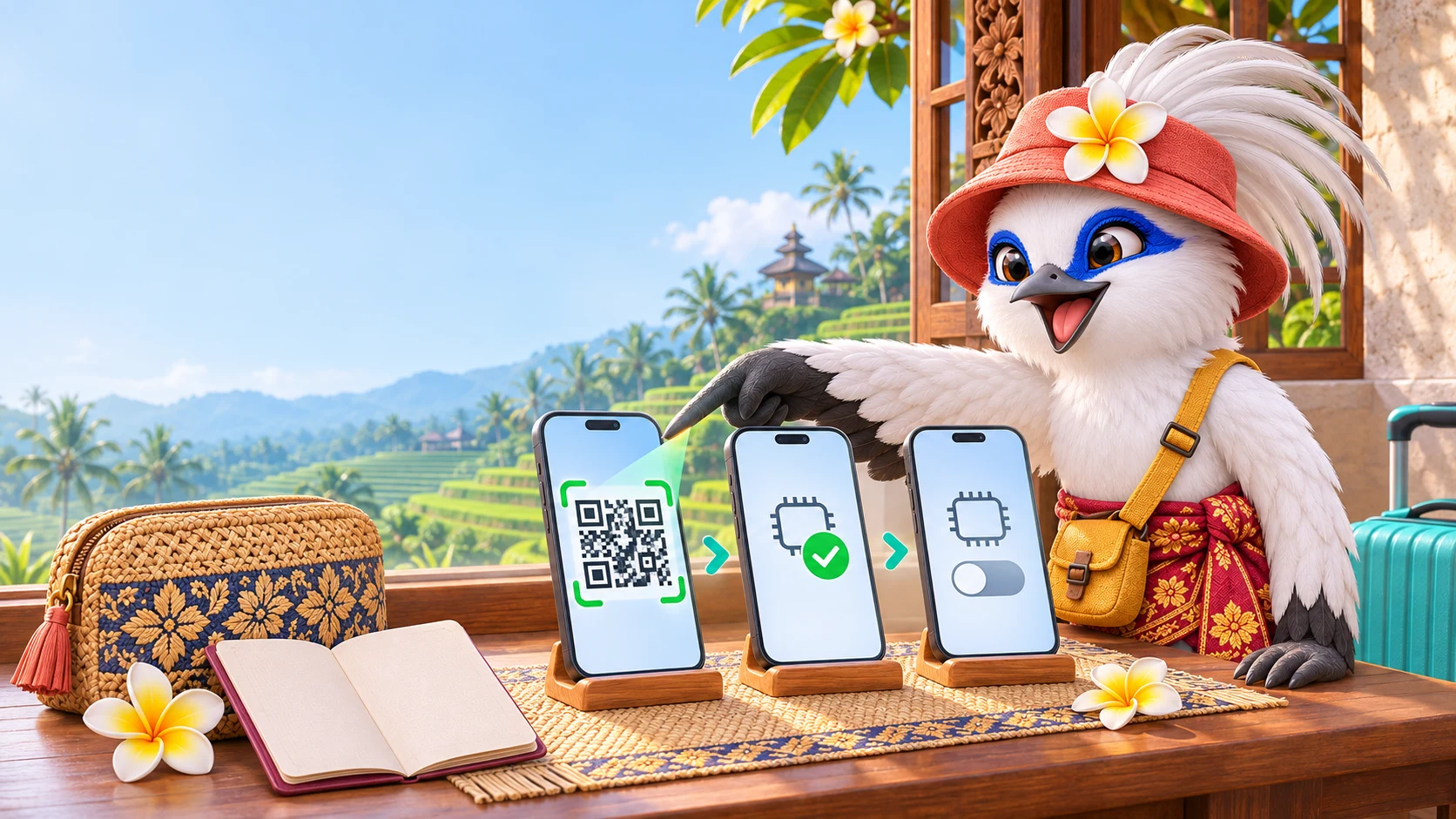
Your phone downloads the eSIM profile during setup.
Keep the email open on another screen or use the supported same-device method.
A carrier lock can prevent another profile from being added.
Check whether validity begins on installation, network connection, or another trigger.
Settings names can vary slightly by software version. Do not delete the eSIM after installation unless support specifically tells you to.
Keep the phone online until the eSIM finishes downloading.
Depending on your locale, Cellular may be called Mobile Data or Mobile Service.
Scan from another screen, or use the same-device option provided in the delivery email when available.
A clear label makes it easier to select the correct mobile-data line after landing.
Keep your normal line as default until you are ready. On arrival, select the eSIM for mobile data and enable roaming for that line if instructed.
The phone needs internet access to download the profile.
Samsung commonly uses Connections → SIM Manager. Pixel commonly uses Network & Internet → SIMs.
Select the option to scan a QR code or download a SIM, then use the delivery details.
“Bali data” or “Indonesia eSIM” makes the travel line easy to identify.
When ready, choose the eSIM for mobile data. Enable data roaming for the eSIM line if the plan instructions require it.
Your normal SIM can stay in the phone for its number, calls or verification messages. Set the travel eSIM as the mobile-data line and watch for charges from your home carrier if its line remains active.
Increase screen brightness, remove glare and make sure the entire code is visible. If it may already have been used, contact support rather than repeatedly deleting and reinstalling.
Recheck compatibility and carrier-lock status. Regional model variants can differ even when the phone name looks identical.
Confirm that the eSIM is selected for mobile data, that the plan is active, and that data roaming is enabled for the travel line if required.
Do not delete it immediately. eSIM profiles may be tied to the first device. Contact support with the order details for the safest next step.
Send the phone model, the step you reached and the exact error message.